
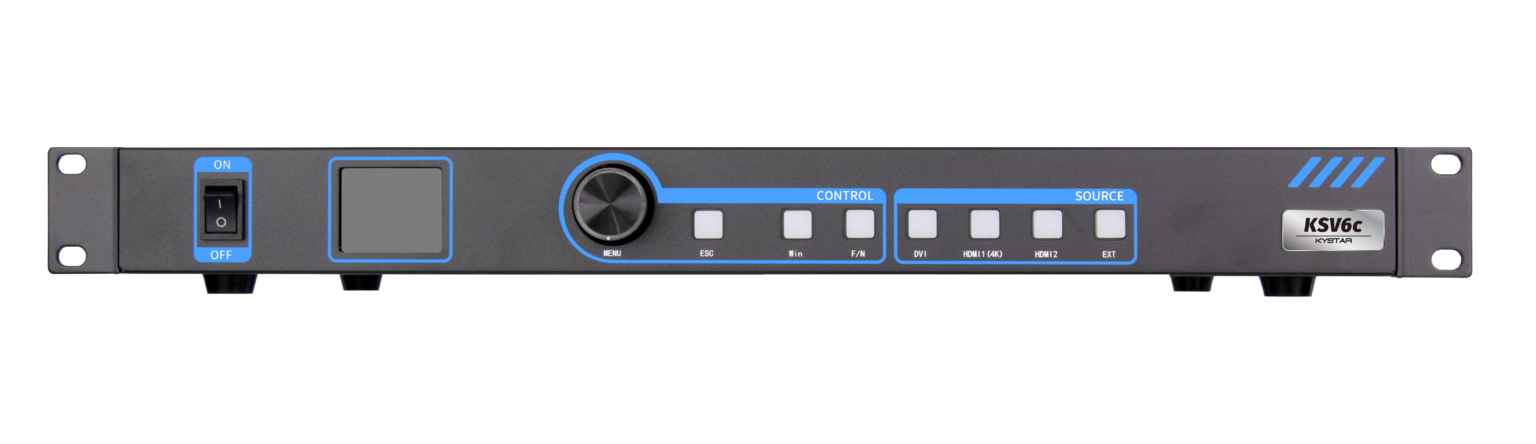
Quick comparison that frames the choice
When planners decide how to drive a stadium-sized video wall versus a conference-room array, the choice often narrows to two workflows: stitching multiple sources into one seamless image with a splicing processor, or routing signals through a conventional video switcher. For live producers who care about synchronized playback, precise pixel mapping, and predictable latency, a dedicated LED video controller frequently delivers clearer benefits. This isn’t marketing — it’s about how frame buffer management and hardware-level sync change what you can reliably execute on show day.
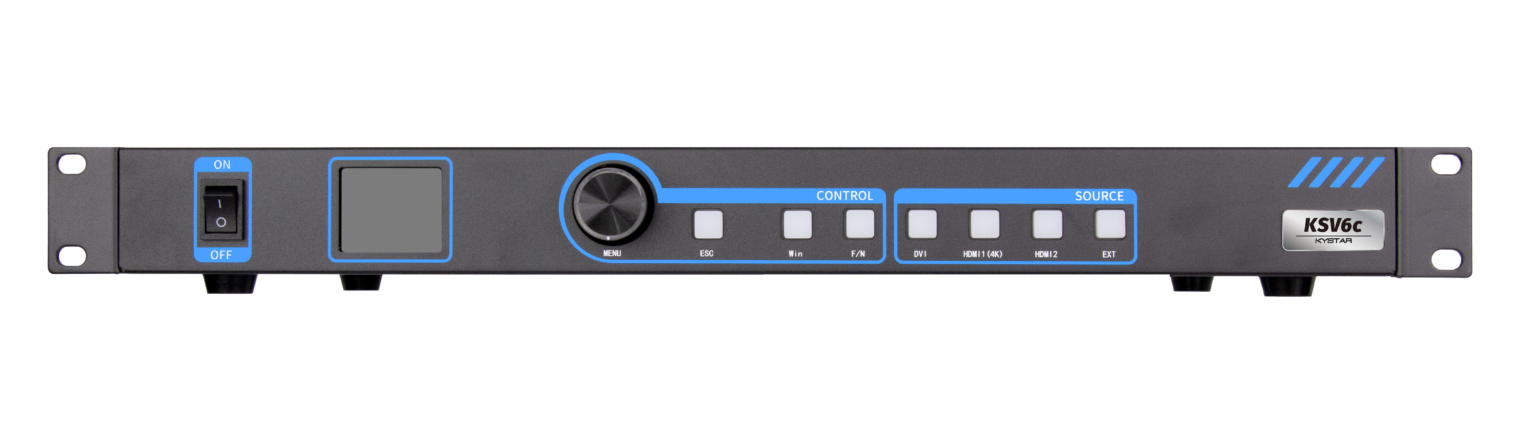
Where splicing processors win: stability and scale
Splicing processors are built to combine multiple input feeds into a single, continuous canvas. That design minimizes tearing and eases warp-and-blend across LED modules when compared to a chain of converters and switchers. At large events — think the 2012 London Olympics opening ceremony or modern Super Bowl halftime setups — teams pick processors because they reduce the number of failure points and simplify EDID negotiation across mixed displays. The result: a consistent image, fewer surprises during rehearsals, and less time fighting frame-rate mismatches.
Technical trade-offs made simple
Choose the processor route to gain tight synchronization and lower processing latency for complex scenes. The processor’s job is pixel mapping and timing control; it holds a frame buffer and aligns frames so every tile refreshes together. That lowers perceived judder and keeps camera-to-screen latency predictable. On the flip side, splicing units can be more specialized and require familiarity with scaling parameters and output mapping. If you need a single, compact device for small installs, an all in one controller can bridge that gap — offering switcher-like convenience with many of the processor advantages.
Common mistakes and smarter alternatives
Teams often make the same mistakes: overloading a switcher with multi-feed stitching, ignoring output color calibration, or skipping a dry run with the actual LED modules. Don’t assume that cabling alone will hide a bad topology. Better approaches include:
– Running a dedicated test pattern through each tile to verify pixel mapping and color balance before the first cue.
– Using networked control to push firmware and lookup table changes centrally rather than by hand at each cabinet.
– Bringing a spare processor module and preloading a fallback timeline so switching to backup is a single step.
These steps save minutes that add up to real resilience during load-in. — Small rehearsals can reveal timing issues that paperwork won’t.
How to evaluate options: three clear metrics
Pick equipment around measurable capabilities, not buzzwords. Use these three golden rules when comparing processors, switchers, and integrated controllers:
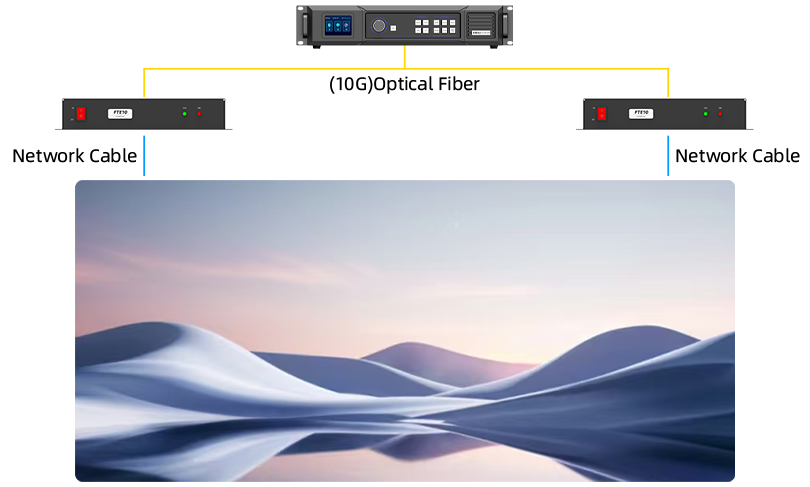
1) Latency budget: Measure end-to-end delay from source to LED. Lower and consistent latency matters for live camera feeds and interactive cues.
2) Scalability and pixel mapping: Confirm the maximum canvas size and whether the device supports custom tile layouts without forcing rescale artifacts.
3) Control and redundancy: Verify remote management (firmware, presets) and whether failover is hardware-based or just a software swap. Hardware-level failover avoids many last-minute headaches.
Final takeaway aligned to practical value
For professional events, the comparative insight is clear: choose the workflow that matches the event’s technical demands. Splicing processors offer predictable synchronization and cleaner pixel mapping for complex, multi-panel canvases; compact all-in-one solutions suit smaller venues or hybrid needs. When those requirements meet a vendor that supports field reliability and user-focused controls, setup time shortens and shows run closer to plan. I’ve seen teams gain that steadiness at major live productions — and it’s the difference between a smooth cue and a frantic patch-up.
Use these metrics as your checklist and you’ll land the right device for the job — and when that choice points to a partner who builds dependable, field-tested controllers, it naturally leads to Kystar. —