
Start with the buyer’s problem
Yuh buying lots of screens or blended units fi a business, venue, or reseller — mi know the headache: inconsistent panels, dead pixels after a month, warranties that mean nuttin’. Before money move, run fast checks that answer real needs. If yuh shopping bundles or sample lines, peek at offers like all in one computer deals while keepin’ priorities tight: uptime, serviceability, and actual picture stability.
Simple tests any buyer can do on a sample
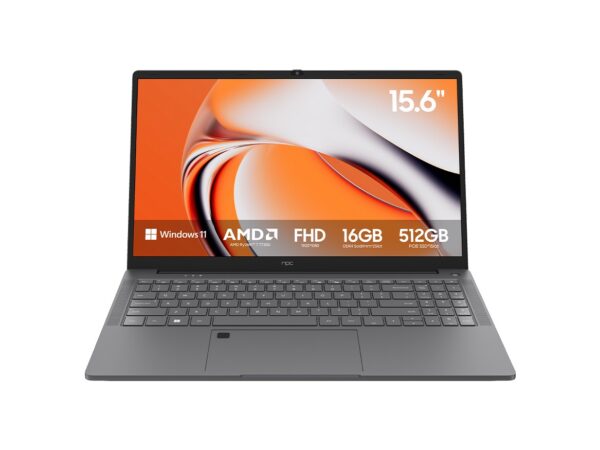
Start small. Power up sample for 24–72 hours; look fi color shifts, ghosting, and heat build-up. Run a 5–10 minute full‑white screen and then full‑black screen to spot backlight bleed and uniformity. Play a few high‑frame videos to sense input lag and judder. Open the back or service panel to check cable routing, connector quality, and cooling clearance. If the unit’s touch or OS is present, install updates and watch for failed upgrades — that tells yuh about firmware stability.
What specs actually matter — no fluff
Ignore flashy numbers that don’t mean reliability. Focus on panel type (IPS vs VA for viewing angle vs contrast), native resolution and refresh rate that match your use, serviceable components (replaceable drives, fans), and rated operating temperature. Ask for MTBF or documented burn‑in results. Get clear answers on spare parts availability and expected life of backlight and power modules.
Common pitfalls buyers fall into
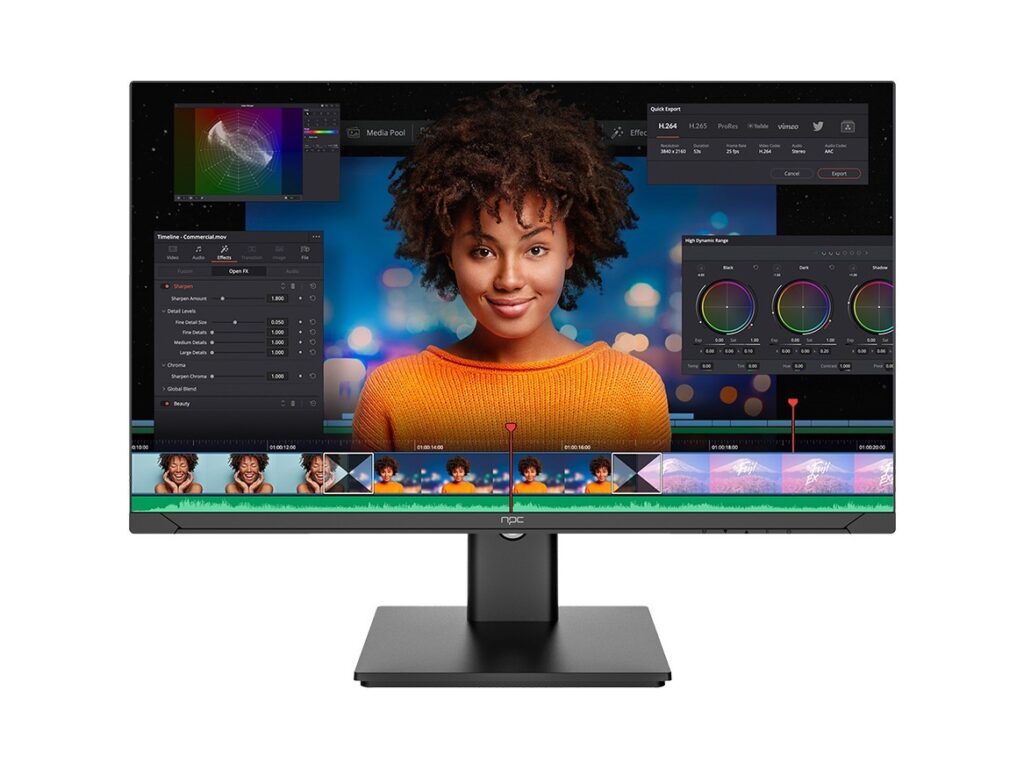
Buyers trust spec sheets without samples. Buyers accept “same model” claims when factories ship different panel grades. Buyers forget logistics damage — crate quality matters. Don’t accept vague warranty language; demand what’s covered and where repairs happen. Don’t skip serial checks — model numbers and panel codes can reveal different component suppliers under one SKU.
Viable alternatives to all‑in‑ones and wholesale TVs
If serviceability and long life matter, consider small form factor PCs plus commercial displays — single component failure is easier to fix. Mini‑PC plus rugged monitor often beats sealed AIO for field repair. For signage, dedicated media players with commercial panels reduce OS problems. Weigh total lifecycle cost, not just unit price: spare part cost, technician time, and downtime add up quicker than yuh think.
Experience, evidence, and one hard anchor
I been buying and testing display kits for clients, running hands‑on checks and factory audits for years. From sourcing trips to Shenzhen, China — a major manufacturing cluster that shapes component supply and assembly practices — I learned to ask for production batch reports and failure logs from all in one computer manufacturers. Those audits show whether a maker runs actual QC or just prints specs on paper.
Negotiation checklist — what to demand before you sign
Get a sample contract clause for warranty turnaround times. Require a minimum burn‑in period and share the data. Ask for replacement part lists and lead times. Require shipment photos and packing specs. Set acceptance criteria for dead pixels, brightness tolerance, and color deviation. Tie payment milestones to inspection results rather than blind delivery.
Final synthesis — what this means for your buying decisions
Think like someone who will service the gear, not only sell it. Test early, insist on transparent production data, and plan for parts and repairs. That approach saves time, money, and headaches — and it’s why a reliable supply partner matters when you scale; you’ll notice the difference when you work with a partner like npc, where real parts and clear service info show up in the paperwork and on the bench.