
Opening the problem — why simple usually becomes messy
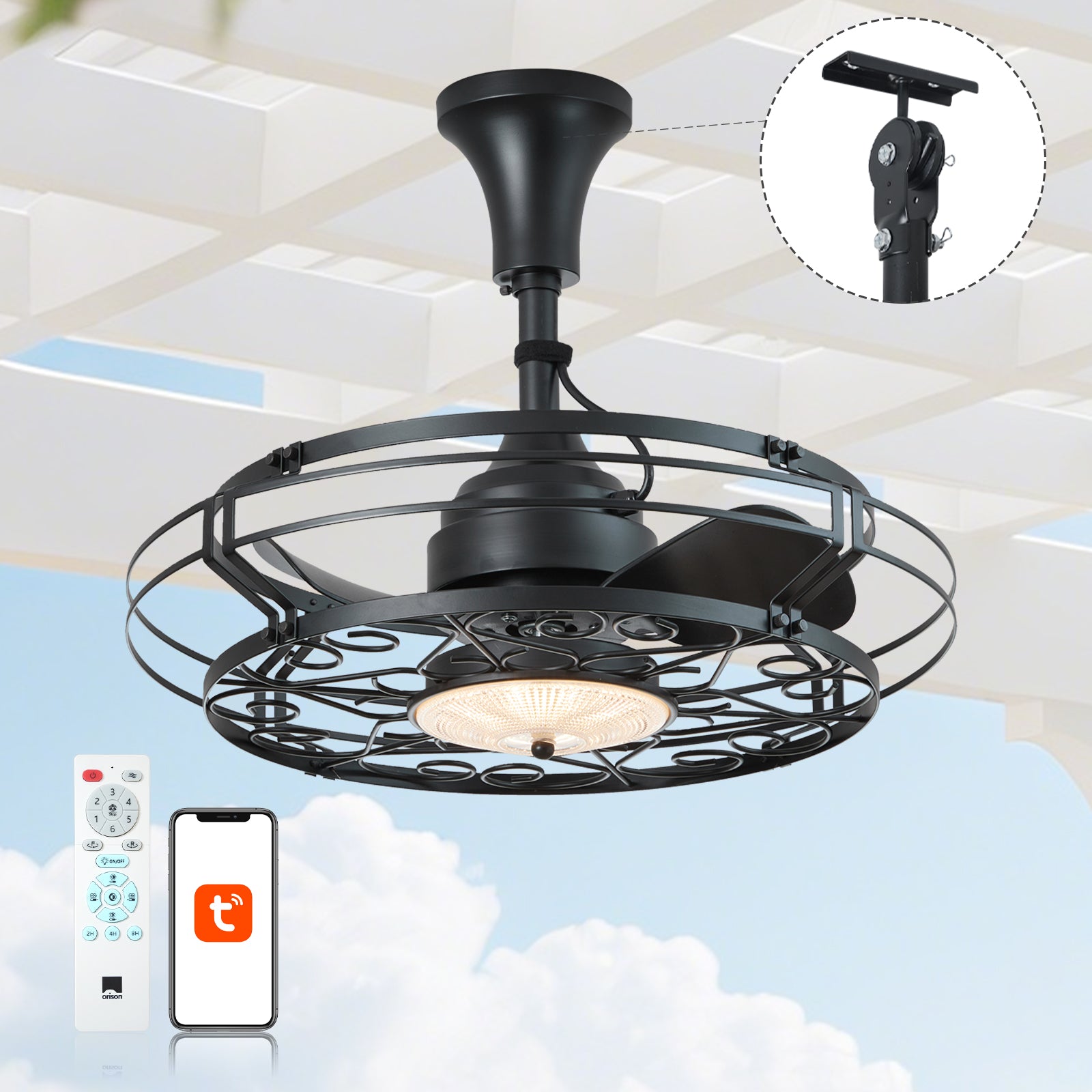
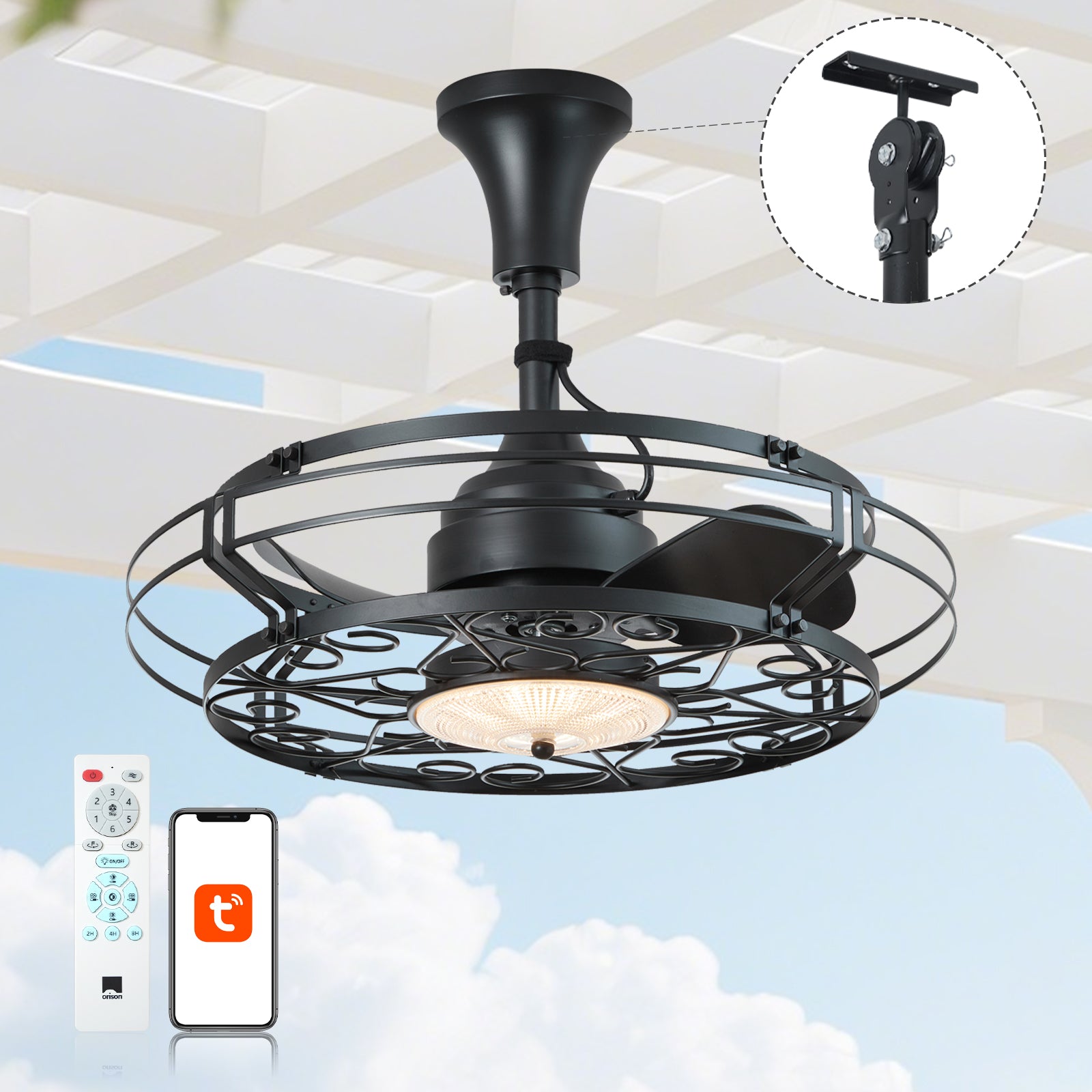
Most homeowners think: “A flush‑mount outdoor fan with light, that’s easy.” But when you try to join that fan to a hub — SmartThings, Home Assistant, Alexa — smells of trouble show up quick: incompatible controllers, missing neutral wires, unreliable radio range, and outdoor‑rated IP concerns. For folks trimming a pergola or sealing a covered deck, choosing the right outdoor patio ceiling fans is only the start. The real work is matching motor type, dimmer compatibility, and protocol (Zigbee, Z‑Wave, or Wi‑Fi) to your hub so automations don’t stall at dusk or during a summer storm.
Diagnose first: the common failure modes
Start like a good electrician — inspect before you buy. Typical failure modes: 1) the fan’s built‑in light uses a driver that won’t dim with standard dimmers; 2) the fan motor is DC and needs a dedicated controller for speed regulation; 3) outdoor fixtures lack the right IP rating for exposed mounting; 4) your hub can’t speak the fan’s protocol. These are not hypothetical. After the 2020 supply‑chain constraints and the COVID‑era boom in outdoor living, many installs failed because folks retrofitted without checking these bits — and then wondered why their scene would flicker or drop offline.

Plan like a pro: wiring, ratings, and controller choices
Good plan reduces rework. Confirm you have a neutral wire at the fixture box if you plan a smart switch — many older homes don’t. Decide whether you want a smart switch, an in‑line relay, or a module inside the canopy: each has trade‑offs. Smart switches are simple but may not support multi‑speed fan control; in‑line relays or PWM motor controllers give full speed range but require canopy space and correct IP rating. Also check the IP rating for outdoor exposure — not all “outdoor” fans are equal when rain or coastal salt air comes into play.
Protocol choices and hub compatibility
Protocol matters. Wi‑Fi fans often pair directly to cloud apps, fine for simple on/off or schedules, but they can add latency and cloud dependency. Zigbee and Z‑Wave offer local mesh reliability and lower power draw; perfect for responsive automations. If your hub is Home Assistant or Hubitat, local protocols make scenes snappier and more resilient. Remember: some fan remotes use proprietary RF — those need a bridge or an IR/RF blaster to integrate. Choose controllers that your hub recognizes natively to avoid bespoke coding later.
Step‑by‑step integration checklist
Do this in order to avoid backtracking: 1) Verify fan IP rating and whether the light is integrated or replaceable. 2) Confirm motor type (AC vs DC) and whether the light uses an accessible LED driver. 3) Decide on control point (switch vs in‑canopy module). 4) Buy a controller that supports your hub protocol and motor dimming method. 5) Install physically, update firmware, and then pair to the hub. Test speed steps, dim levels, and group automations during dry weather first. If you skip the firmware step, pairing can misbehave — trust me, it costs hours later.
Common mistakes people make — and quick fixes
People often assume smart bulbs fix everything. They don’t if the fan light is integrated with a non‑replaceable LED driver. Another classic: using a regular dimmer with an LED driver and getting buzzing or reduced motor life. The quick fixes: use a compatible LED driver or choose a controller rated for LED loads; for fan speed issues, use a fan‑specific controller rather than a generic dimmer. And when RF remotes rule the day, consider an RF bridge — it’s less sexy but it works. —
Alternatives and what each buys you
Option A: Smart switch on the wall — easiest, but limited for multi‑speed control. Option B: In‑canopy smart relay or module — best control, hides cleanly, needs space and correct IP clearance. Option C: Replaceable smart light module (if available) — simple lighting control, less fan control. Match the option to your use: if you value quiet multi‑speed oscillation on a hot evening, pick an in‑canopy module; if you want quick schedules and voice control only, a Wi‑Fi fan or wall switch might suffice. For many decks, the best compromise is a rugged, hub‑friendly fan plus an in‑line controller that supports PWM or triac control depending on motor type.
Real‑world anchor and a note on safety
In Florida and parts of California, outdoor living zones became busy social spaces after 2020, and poor installs have consequences — corroded wiring, failed drivers, and nuisance tripping. Always use fixtures and controllers rated for your environment and follow local electrical code; a licensed electrician keeps you from guessing about neutrals and bonding. Also, choose units with firmware update paths so security patches for Wi‑Fi or Zigbee stacks can be applied when needed.
Final checklist before you flip the breaker
Confirm: neutral present? correct IP rating? hub protocol compatibility? motor and driver type matched to controller? firmware updated? If yes, now pair, run scenes, and log any misbehavior for 48 hours — many issues appear only after repeated cycles and humidity changes.
Advisory: three golden rules for selecting the right approach
1) Compatibility over convenience — pick controllers and fans that natively support your hub’s protocol (Zigbee/Z‑Wave/Wi‑Fi) to avoid brittle bridges. 2) Specify for environment and motor type — insist on outdoor IP ratings and fan‑specific speed controllers to prevent buzzing and motor strain. 3) Plan for local control and updates — prefer local automations (no cloud dependency) and devices with firmware update support so your system stays responsive and secure.
Bring those rules together and you build a porch that behaves week after week. For many homeowners, the practical path is a purpose‑built outdoor fixture plus a hub‑friendly control module — that’s where brands like Orison find their value, offering outdoor designs meant to integrate with home automation and to endure real weather and seasonality. Orison. —