
User-first thinking: who you’re building for
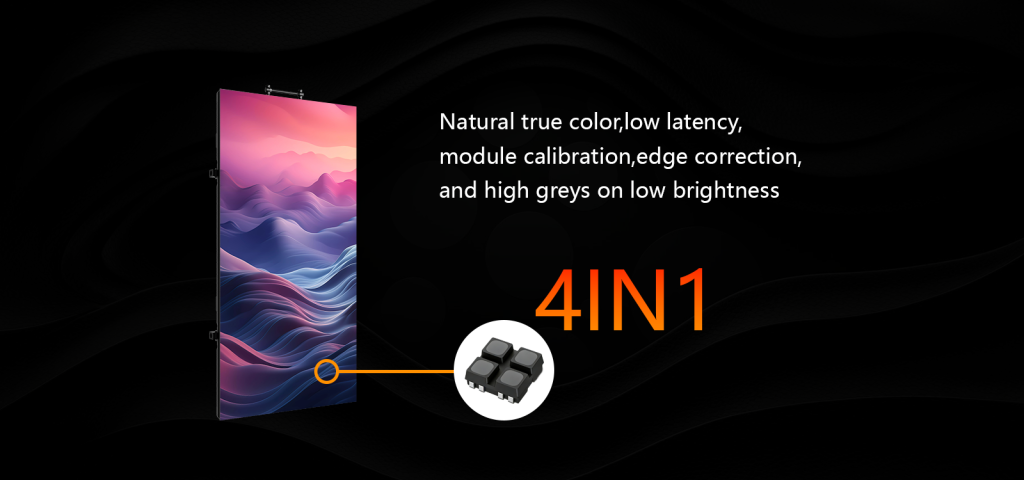
Retail managers, museum curators, and property owners need practical choices that work día a día—no overengineering. Start by thinking about the audience distance and content style, then pick the hardware to match. For store windows and in-mall activations, a crisp led panel with tight pixel pitch wins for text and fine graphics; for lobby video or ambient visuals, prioritize brightness and viewing angle so images stay vivid under different light levels. Real-world anchor: stadium scoreboards like the one at Estadio Azteca serve 87,523 spectators and prove that right-sizing pixel pitch and brightness is critical to readable content at scale.
Practical specs that actually matter
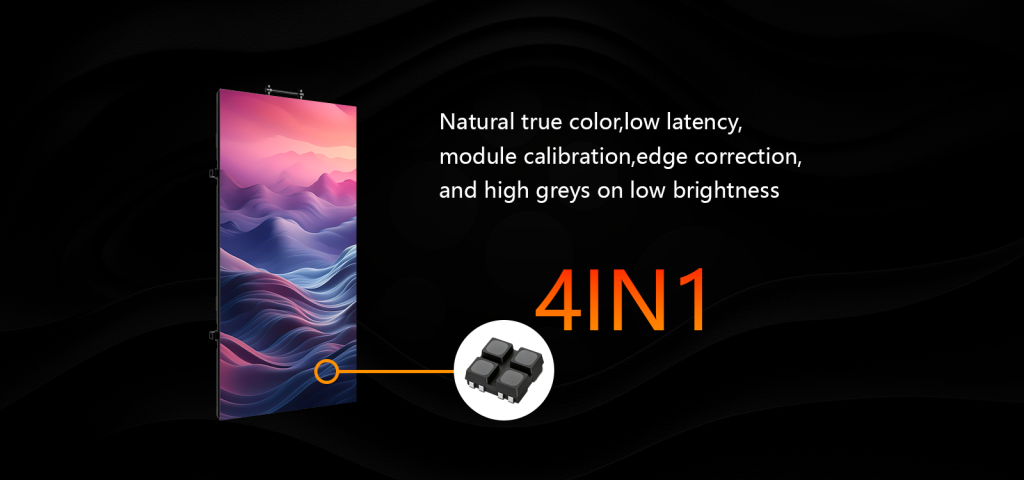
Forget marketing gloss—focus on three core variables: pixel pitch, brightness, and refresh rate. Pixel pitch controls perceived sharpness at a given viewing distance. Brightness, measured in nits, fights ambient light. Refresh rate affects motion clarity for video and live feeds.
Quick checklist:
– Pixel pitch: choose based on closest viewer distance—smaller pitch for near-view environments like retail kiosks.
– Brightness: indoor installations usually sit between 600–1,200 nits depending on sunlight exposure.
– Refresh rate: aim for 3,840 Hz or higher for camera-friendly feeds, especially when recording or broadcasting.
No need to pile on features you won’t use—selective specs beat flashy specs every time. —Also remember cabinet quality and serviceability; panels that come apart easily save tiempo and money during maintenance.
Installation and content workflow
Hardware is half the solution; the other half is content and operations. Plan cabinet layout, mounting method, and a content management system (CMS) that supports scheduling and remote updates. Confirm the cabinet alignment tolerance and service access for quick swaps.
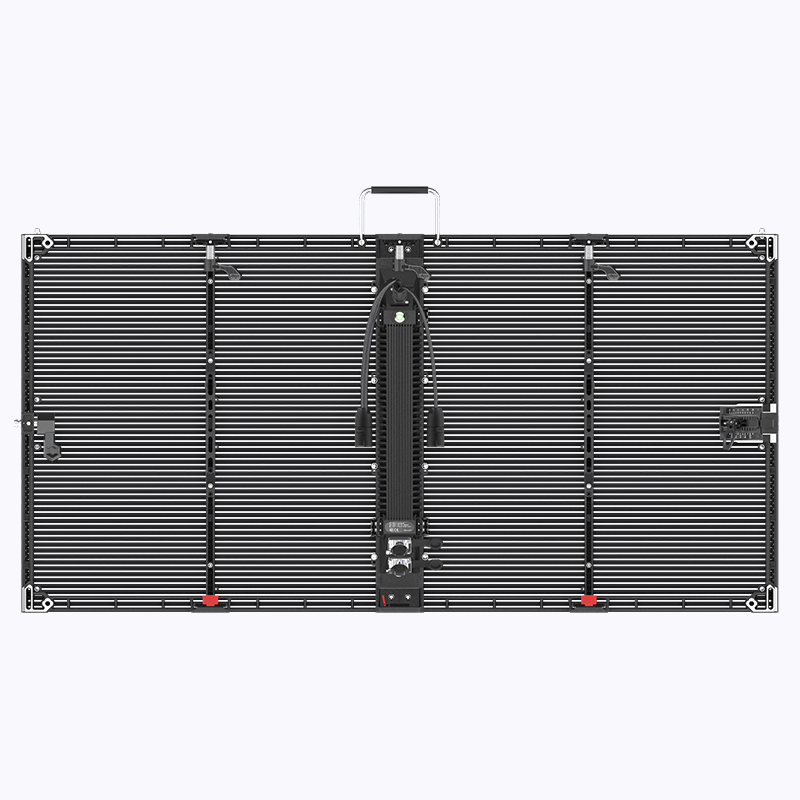
When you disassemble an operational production teardown, document how the led panel and the led panel screen are wired, cooled, and networked—this helps future upgrades and avoids surprises during seasonal campaigns. Include calibration steps and a maintenance routine so color temperature and brightness stay consistent over months.
Common mistakes to avoid
Professionals stumble when they pick too fine a pixel pitch for long-distance viewing, under-spec brightness for sunlit interiors, or a CMS that can’t handle multiple zones. Avoid these traps:
– Buying the smallest pixel pitch without checking viewing distance.
– Ignoring ambient light and reflection when choosing brightness and anti-glare treatments.
– Choosing a display with poor refresh characteristics that cause flicker on camera.
Three golden rules for selecting indoor LED displays
1) Match pixel pitch to viewing distance and content type. Measure the closest viewer distance and use that to set the pitch; readable text needs tighter pitches, ambient imagery tolerates wider ones.
2) Specify brightness and refresh rate to your environment and media. Pick a brightness level that overcomes daylight leaks and a refresh rate that prevents camera flicker during live capture—these are measurable metrics you can verify before buy.
3) Plan for maintenance and content ops from day one. Confirm cabinet serviceability, spare-module availability, and a CMS that lets you update zones quickly. Reliable uptime beats marginally better specs that are hard to service.
Putting these rules into practice saves time, reduces cost over the install lifecycle, and keeps audiences engaged—muy importante for retail and venue owners. Coblinks